Archival
- tags
- Storage , Scraping , peer-to-peer
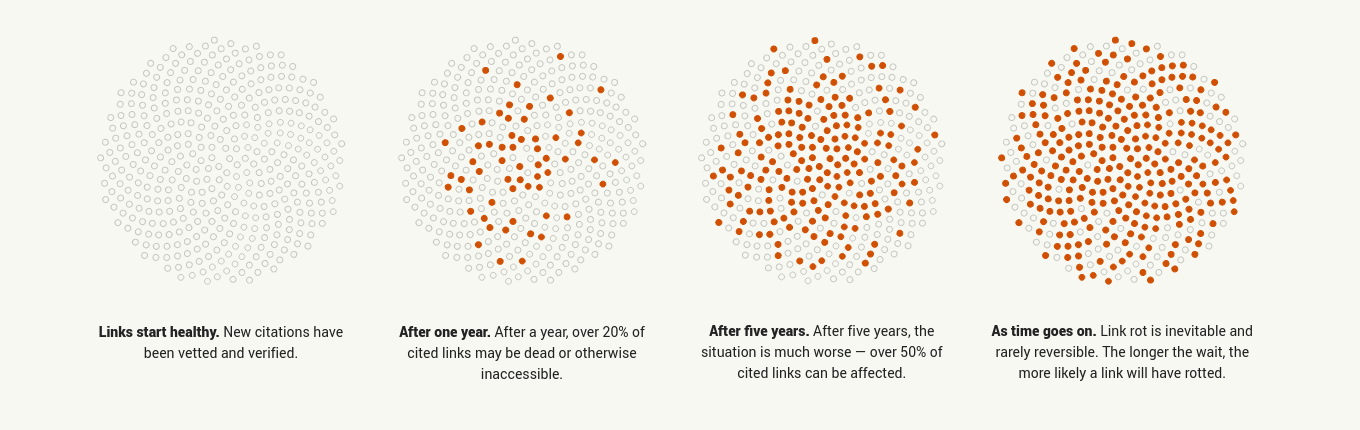
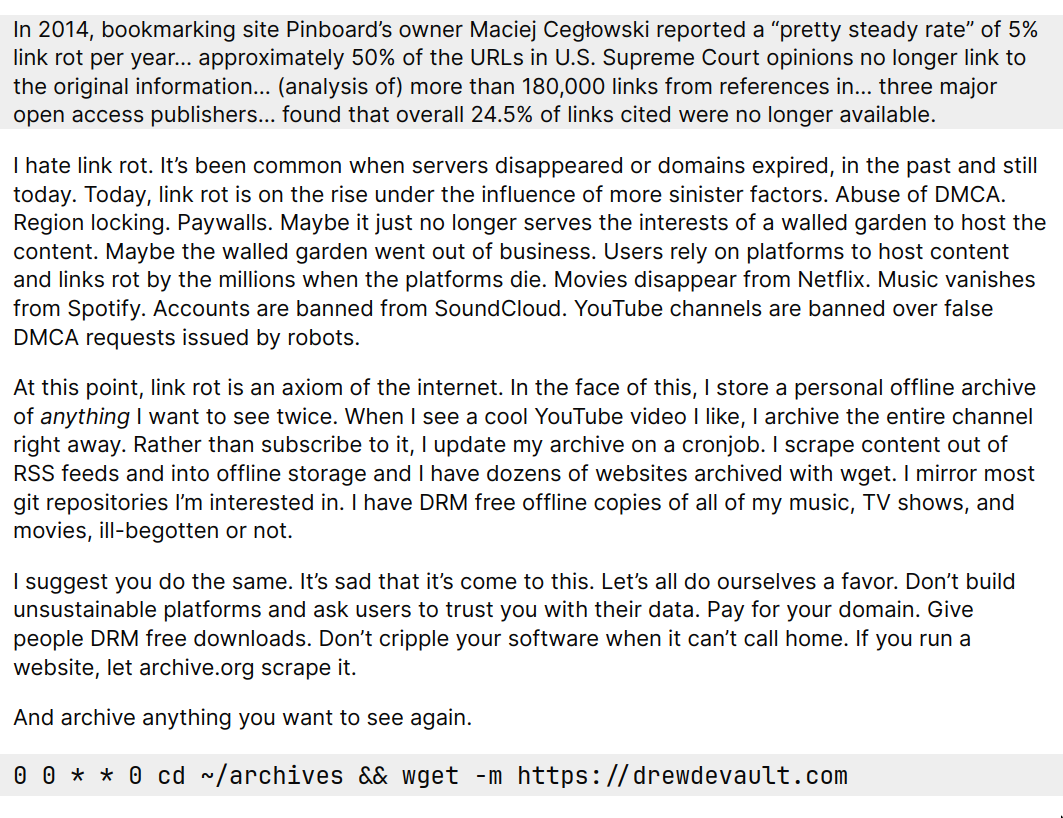
- 38% of webpages that existed in 2013 are no - longer accessible a decade later | Hacker News
- Ask HN: What would you preserve if the internet were to go down tomorrow? | Hacker News
- DIY Web Archiving Zine | Hacker News
Archiving formats
Web Archiving Workflows and Best Practices
Institutional Archiving
Large institutions typically employ a workflow that involves:
- Selection - Identifying content to preserve
- Acquisition - Using crawlers like Heritrix to collect content
- Storage - Preserving WARC files with redundancy
- Access - Providing replay through Wayback Machine-like interfaces
- Preservation - Ensuring long-term accessibility through format migration
Personal Archiving
Individual users have different needs:
- On-the-fly capture - Browser extensions like ArchiveWeb.page or SingleFile
- Local storage - Managing personal collections with tools like ReplayWeb.page
- Format considerations - Balancing completeness vs. convenience
- Sharing capabilities - Using portable formats like WACZ
Quality Assurance in Web Archiving
Critical considerations for effective archiving:
- Completeness - Capturing all required resources
- Fidelity - How closely the archive resembles the original
- Replayability - Whether interactive elements function
- Longevity - Format sustainability and migration paths
Usecases
| Category | Tool | Description |
|---|---|---|
| Website Downloaders | wget, httrack |
Standard tools for downloading entire sites (see offlinesavesite alias) |
| Skallwar/suckit | Alternative to httrack | |
| Y2Z/monolith | Downloads assets as data URLs into single HTML file | |
| WebMemex/freeze-dry | Library (not tool) for freezing web pages; has useful “how it works” page | |
| gildas-lormeau/SingleFile | Decent browser extension/CLI for saving web pages | |
| Offline Browsing | dosyago/DownloadNet | Site downloading focused on offline browsing |
Tools
Enterprise/Traditional Tools
| Tool | Description | Link |
|---|---|---|
| Archivematica | Open-source digital preservation system | https://github.com/artefactual/archivematica |
| Spotlight | Enabling librarians, curators, and others to create attractive, feature-rich websites | https://github.com/projectblacklight/spotlight |
Wayback Machine Tools
| Tool | Description | Link |
|---|---|---|
| wayback-machine-scraper | Tool for scraping the Internet Archive’s Wayback Machine | https://github.com/sangaline/wayback-machine-scraper |
| muna | CLI tool for Internet Archive and Wayback Machine interaction | https://github.com/uriel1998/muna |
| waybackurls | Fetch all the URLs that the Wayback Machine knows about for a domain | https://github.com/tomnomnom/waybackurls |
Miscellaneous Legacy Tools
| Tool | Description | Link |
|---|---|---|
| mixtape | Self-hosted archiving tool | https://github.com/danderson/mixtape |
Other Archiving Solutions
| Tool | Description | Link |
|---|---|---|
| Rrweb | Record and replay debugger for the web | https://news.ycombinator.com/item?id=41030862 |
| ArchiveBox | Self-hosted internet archiving solution | https://news.ycombinator.com/item?id=41860909 |
| Perma.cc | Permanent Link Service | https://news.ycombinator.com/item?id=42972622 |
YouTube Archiving Tools
| Tool | Description | Link |
|---|---|---|
| Tubearchivist | Your self-hosted YouTube media server | https://www.tubearchivist.com/ |
| YouTube archiving script | Script for archiving YouTube content | https://pastebin.com/s6kSzXrL |
| RSS feed for YouTube channels | Guide on creating RSS feeds for YouTube channels | https://danielmiessler.com/p/rss-feed-youtube-channel/ |
| ytdl-pvr | YouTube-DL based PVR | https://github.com/jchv/ytdl-pvr |
Digital Archiving Organizations and Tools
Major Digital Archives
| Organization | Founded | Description |
|---|---|---|
| Internet Archive | 2001 | American digital library with the stated mission of “universal access to all knowledge.” |
| Archive Team | 2012 (archive.is) | A loose collective of rogue archivists, programmers, writers and loudmouths dedicated to saving our digital heritage. |
| Sci-Hub | - | Research paper repository providing free access to paywalled academic papers. |
| Z-Library | - | Book repository, initially a clone of LibGen with more accessible UX and monetization. |
| Anna’s Archive | - | Open-source data library related to Z-Library. |
Regional Archives
| Organization | Website | Description |
|---|---|---|
| Digital India Archiver | github.com/DigitalIndiaArchiver | Project focused on archiving digital content related to India. |
Smaller Archives & Tools
| Name | Website | Description |
|---|---|---|
| Perma.cc | perma.cc | Service that creates permanent archived versions of web pages. |
| Megalodon | - | Web archiving tool. |
| Bitsavers | bitsavers.org | Archive focusing on historical computer software and documentation. |
| Bellingcat Auto-Archiver | github.com/bellingcat/auto-archiver | Automated archiving tool from Bellingcat (investigative journalism organization). |
Wikipedia & Related Tools
| Component/Tool | Description | Link |
|---|---|---|
| WikiText | The markup language that MediaWiki uses. | - |
| MediaWiki | Includes a parser for WikiText into HTML to create displayed pages. | - |
| MWOfflinier | Tool for creating offline Wikipedia versions. | github.com/openzim/mwoffliner |
| Wikipedia QL | Query tool for Wikipedia. | github.com/zverok/wikipedia_ql |
| WTF Wikipedia | JavaScript parser for Wikipedia. | github.com/spencermountain/wtf_wikipedia |
| PlainTextWikipedia | Tool for converting Wikipedia to plain text. | github.com/daveshap/PlainTextWikipedia |
| Deletionpedia | Archive of deleted Wikipedia articles. | deletionpedia.dbatley.com |
Physical Archival
- How do archivists package things? The battle of the boxes | Hacker News
- Archival Storage | Hacker News
Other notes
- Use the Webrecorder tool suite https://webrecorder.net! It uses a new package file format for web archivss called WACZ (Web Archive Zipped) which produces a single file which you can store anywhere and playback offline. It automatically indexes different file formats such as PDFs or media files contained on the website and is versioned. You can record WACZ using the Chrome extension ArchiveWeb.page https://archiveweb.page/ or use the Internet Archive’s Save Page Now button to preserve a website and have the WACZ file sent to you via email: https://inkdroid.org/2023/04/03/spn-wacz/. There are also more sophisticated tools like the in-browser crawler ArchiveWeb.page Express https://express.archiveweb.page or the command-line crawler BrowserTrix https://webrecorder.net/tools#browsertrix-crawler. But manually recording using the Chrome extension is definitely the easiest and most reliable way. To play back the WACZ file just open it in the offline web-app ReplayWeb.page https://replayweb.page.
- Slightly biased (I work with Webrecorder haha) but yeah, our tools are really good at preserving complete webpages. u/CollapsedWave Give the ArchiveWebpage browser extension a shot! If you’re looking to save single pages as you come across them, it’s a good tool! Every page you capture gets its text extracted for text search. I’ll also add (because they mentioned file format standardization and longevity) that WACZ files are actually ZIP files which contain some indexing metadata that enables fast playback within a single portable file. The actual archived data is stored as a WARC wthin the WACZ and it doesn’t get much more standardized than that! Regardless of what you end up using, I’d really recommend capturing as WARCs or WACZ for cross-compatibility with other software.